Every VR headset box shouts a big number at you. “4K per eye.” “2064 by 2208.” Sounds impressive, but here is the thing I learned after playing at more than 50 venues on all kinds of gear: raw pixel count does not tell you how clear a headset actually looks. Two headsets with the same pixels can look very different once you factor in the lens and the field of view. So let me get VR headset resolution and lenses explained in plain terms, the way I wish someone had explained it to me before I started spending money.
The short version: the number that matters most is pixels per degree, or PPD, and the lens in front of the screen matters just as much as the screen itself. Get those two ideas and you can read any spec sheet like a pro.
The one number that matters: PPD
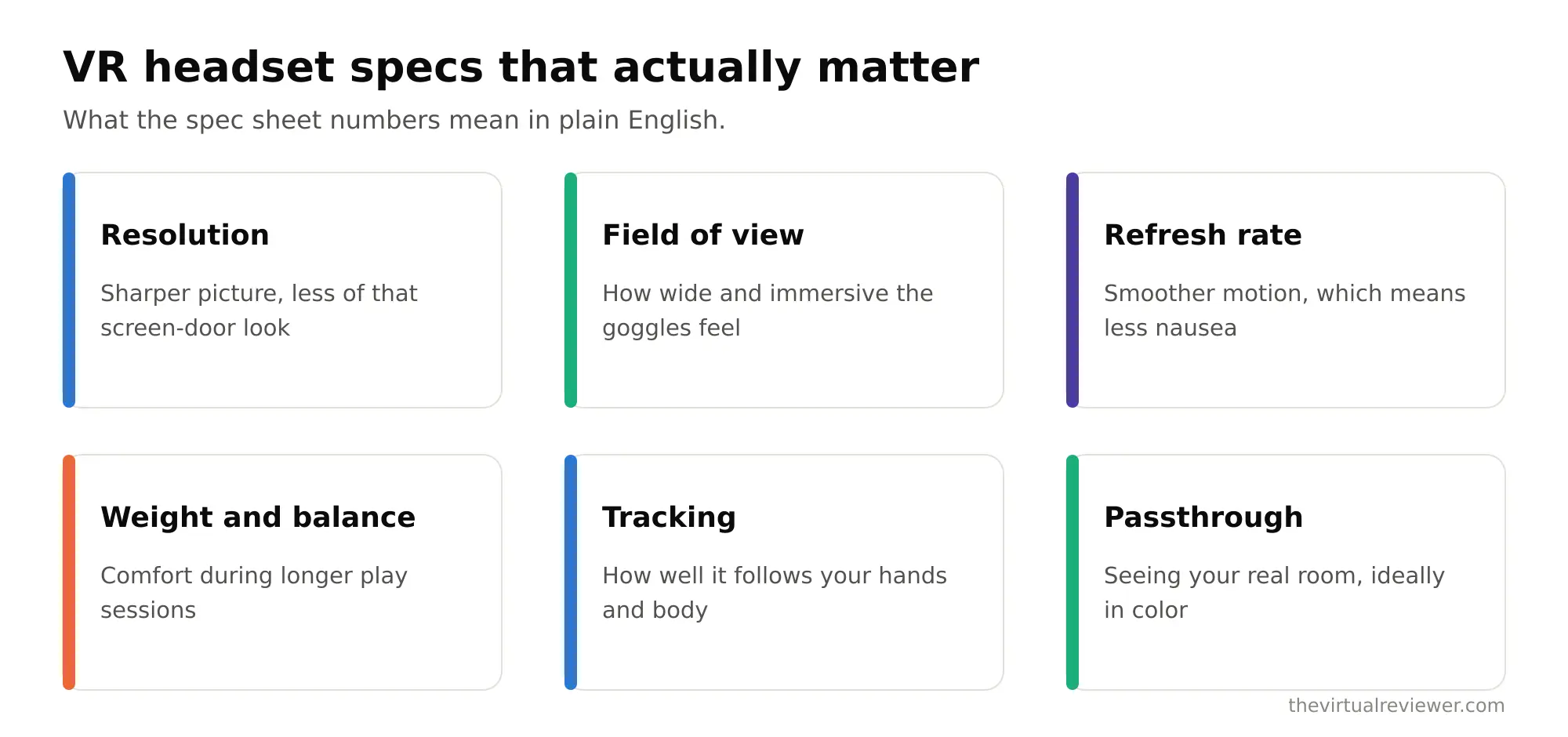
Resolution is the total pixel grid, like 2064 by 2208 per eye on a Quest 3. But those pixels get spread across your whole field of view. Spread the same pixels across a wider view and each one gets bigger and blurrier. Pack them into a narrower view and they look sharper. Pixels per degree, PPD, measures exactly that: how many pixels land in each degree of your vision. Higher PPD means a sharper, clearer image, full stop.
For reference, healthy human eyes see the world at roughly 60 PPD. That is the target the whole industry is chasing so VR looks as sharp as real life. Nobody is there yet in a mainstream headset, but the gap is closing. Here is where some 2026 headsets sit.
| Headset | Panel type | Resolution per eye | PPD (approx) | Lens type |
|---|---|---|---|---|
| Meta Quest 3 | Fast LCD | 2064 x 2208 | ~22 | Pancake |
| Bigscreen Beyond 2 | Micro-OLED | High-density | ~33 | Pancake |
| Pimax Crystal Light | QLED | 2880 x 2880 | ~35 | Glass aspheric |
| Pimax Crystal Super | Micro-OLED | 3840 x 3552 | ~53 | Pancake, eye-tracked |
| Human eye (reference) | n/a | n/a | ~60 | n/a |
See how it works? The Quest 3 has a solid pixel count but a modest 22 PPD because it spreads those pixels over a wide, comfortable view. The Pimax Crystal Super pushes past 50 PPD and gets close to real-life sharpness, but it costs far more and demands a strong PC. PPD tells you the real story that raw resolution hides.
Lenses: the other half of clarity
The screen makes the pixels. The lens delivers them to your eye. A bad lens can waste a great screen, and a good lens can make a modest screen look better than its numbers suggest. There are two main lens types you will see, plus the glass option on premium headsets.
Fresnel lenses: the old standard
Fresnel lenses were the norm on earlier headsets. They use a series of concentric ridges, like angled peaks, to bend light in a thin package. They are cheap and light, but they have real downsides. There is usually a “sweet spot” in the center where the image is sharp, and clarity falls off as your eye moves away from it. They can also throw glare and light rays around bright objects. If you have used an older headset and had to constantly nudge it to find the sharp spot, that was fresnel.
Pancake lenses: the modern standard
Pancake lenses are the newer design in most 2026 headsets, including the Quest 3. Instead of splitting light into angled ridges, a pancake lens folds the light path back and forth within the lens itself. Two big wins come from this. First, it lets the display sit much closer to the lens, which is why modern headsets are so much thinner and lighter. Second, it gives edge-to-edge clarity, so you are not hunting for a sweet spot. The whole view stays sharp.
Pancake lenses are not perfect. They can still show some glare, and per-pixel sharpness can trail the best glass optics. But for comfort, form factor, and consistent clarity across the lens, pancake is a clear step up from fresnel, and it is why headsets shrank so much in recent years.
Glass aspheric lenses: the premium path
Some high-end headsets like the Pimax Crystal Light use glass aspheric lenses instead of plastic pancakes. Glass can deliver excellent per-pixel sharpness and clarity, which is part of how Pimax hits those high PPD figures. The trade-off is size, weight, and cost. These are enthusiast headsets, not mainstream picks.
The display panel: micro-OLED vs LCD
One more piece: the type of screen behind the lens.
Fast LCD, like the Quest 3 uses, is bright, affordable, and sharp enough for most people. The weakness is contrast. LCD blacks look more like dark gray, because the backlight is always on. In a dark game you notice a slight gray haze.
Micro-OLED, used in the Bigscreen Beyond 2 and Pimax Crystal Super, is the upgrade a lot of us have been waiting for. Each pixel makes its own light, so blacks are truly black and colors pop. Paired with high PPD, micro-OLED can look stunning. The catch is cost, and these panels usually show up in premium headsets. QLED, as on the Crystal Light, sits in between, a high-quality LCD variant with strong brightness and color.
Putting it all together: how to read a spec sheet
Next time you look at a headset, do this. First, ignore the marketing “4K per eye” headline and find the PPD. Higher is sharper, and anything in the 30s and up is very crisp for 2026. Second, check the lens type. Pancake is the modern comfortable standard, fresnel is older and has a sweet spot, glass aspheric is premium. Third, look at the panel. Micro-OLED gives the best contrast, LCD is bright and affordable, QLED is a strong middle. Fourth, remember field of view: a wider view is more immersive but spreads pixels thinner, which is a real trade-off with PPD.
No single headset wins every category at a price everyone can afford. A Quest 3 balances good-enough clarity, comfortable pancake lenses, and a fair price. A Pimax Crystal Super chases the human-eye clarity target but costs a lot and needs a serious PC. Knowing PPD, lens type, and panel type lets you match a headset to what you actually care about.
How this compares to arcade VR
Here is a perspective you will not get from a spec-sheet blog. I have played on the operator-grade rigs at venues like Sandbox VR and the arena headsets at EVA Esports. Arcade headsets are not always the sharpest on paper. What sells the experience there is the full-body haptics, the free-roam space, and the tuned environment, not raw PPD. At home, resolution and lens quality matter more, because you are often sitting still and staring at fine detail like cockpit gauges or menu text. So do not assume the venue that blew you away used a 50 PPD headset. Home and arcade optimize for different things, and that is worth remembering when you shop for your own gear.
FAQ
What is a good PPD for a VR headset in 2026?
Human vision is around 60 PPD, which is the long-term target. In 2026, roughly 22 PPD (like the Quest 3) is fine for most gaming, the low 30s (Bigscreen Beyond 2) is noticeably crisp, and 50-plus (Pimax Crystal Super) approaches real-life sharpness at a premium price and PC requirement.
Are pancake lenses better than fresnel?
For most people, yes. Pancake lenses give edge-to-edge clarity with no sweet-spot hunting and allow much thinner, lighter headsets. Fresnel lenses are cheaper and lighter but have a central sweet spot and more glare. Nearly every modern 2026 headset uses pancake.
Is more resolution always better?
Not by itself. Resolution spread over a wider field of view lowers pixels per degree, so a headset with fewer total pixels but a narrower or better-matched view can look sharper. Always check PPD, not just the raw pixel count.
What is the difference between micro-OLED and LCD in VR?
Micro-OLED lights each pixel individually, giving true blacks and richer contrast, and it appears in premium headsets. LCD uses a backlight, so blacks look grayer, but it is bright and affordable. QLED is a high-quality LCD variant that sits between them.
Why do my VR headset and my friend’s look different with the same resolution?
Because resolution is only part of the picture. Differences in PPD, lens type and quality, panel technology, and field of view all change perceived clarity. Two headsets with matching pixel counts can look quite different once those factors are accounted for.
The bottom line
Do not let a big pixel number do your thinking for you. PPD tells you how sharp a headset really looks, the lens (pancake, fresnel, or glass) shapes clarity and comfort, and the panel (micro-OLED, LCD, or QLED) sets your contrast and color. Read those three together and you can pick the right headset for your eyes and your budget without falling for marketing. If you wear glasses, pair whatever you buy with the best VR prescription lens inserts, and start exploring more guides at our homepage.